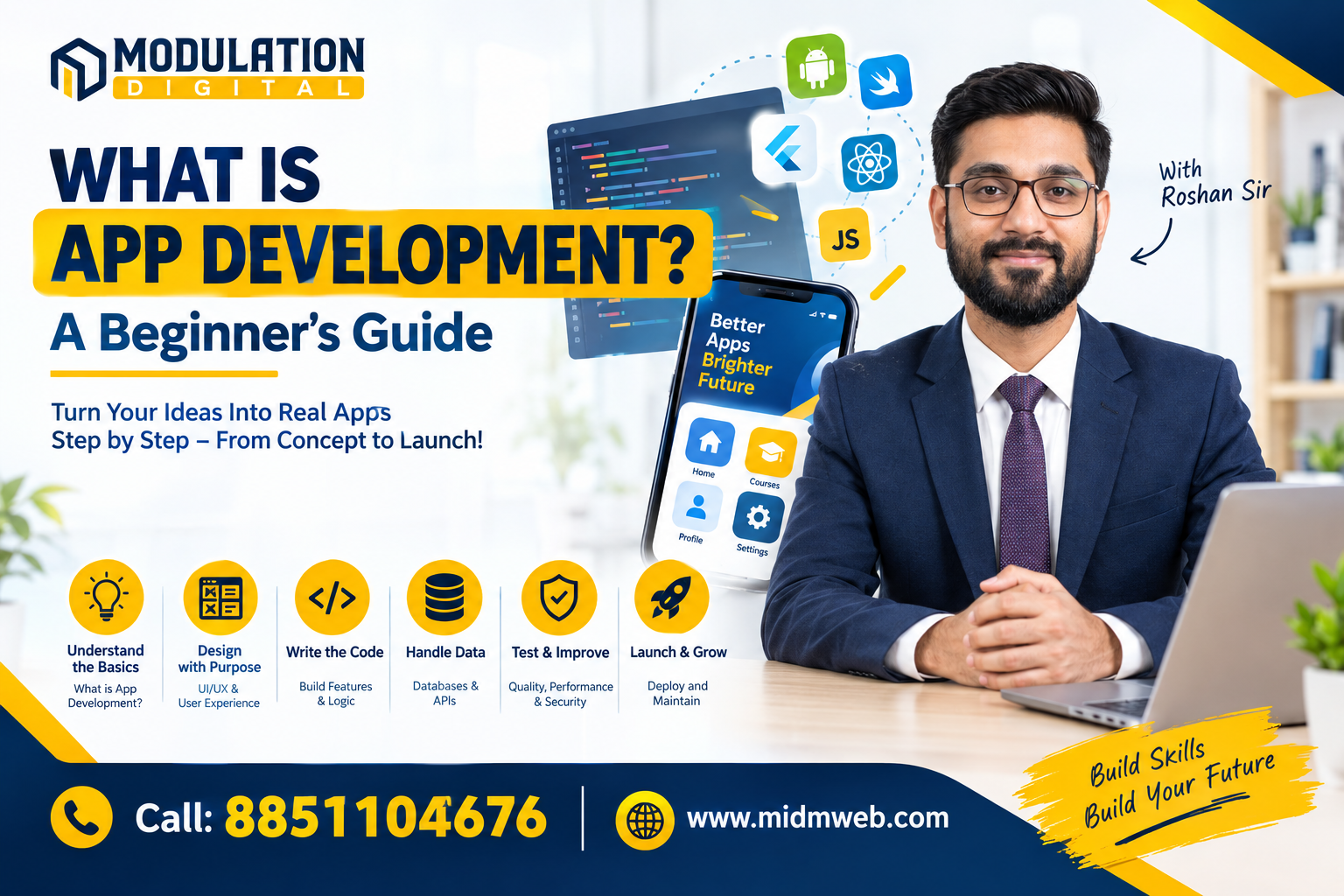
What is App Development?
Opening an app takes one tap. Building one takes considerably more thinking.
A food-ordering app has to remember addresses, show restaurants, process payments, track delivery, send notifications and still feel simple to the person using it. A banking app has even less room for error. A learning app may need video, quizzes, progress tracking and user accounts working together without confusing the learner.
That gap between a simple screen and the systems working behind it explains what is app development better than a textbook definition can.
App development is the process of planning, designing, programming, testing, launching and maintaining software applications that run on smartphones, tablets, computers or other digital devices. For beginners, the useful question is not simply “Which language should I learn?” It is how all these pieces come together to solve a real user problem.
Is App Development a Good Career for Beginners?
App development can lead to several career directions because the underlying skills extend beyond one job title. Someone may begin with Android or iOS development and later move into full-stack development, backend engineering, product development, mobile architecture or software engineering.
Common entry paths include:
- Android Developer
- iOS Developer
- Flutter or React Native Developer
- Mobile Application Developer
- Full-Stack Developer
A 2026 foundit Insights Tracker reported 34% year-on-year growth in IT hiring in May 2026, with software developers and full-stack developers among the roles continuing to see strong hiring demand. This provides current market context, but hiring trends do not guarantee employment for every beginner.
Employers generally care about what a candidate can actually build. A portfolio containing two or three working applications can tell more about a beginner's practical ability than a long list of technologies on a resume.
Projects should be explainable. If an interviewer asks why a particular database, API structure or navigation approach was selected, the developer should understand the decision rather than having copied the code from a tutorial.
That is where project-based learning becomes important.
What Is App Development and What Does an App Developer Actually Build?
App development turns an idea into usable software. Developers create the screens users interact with, write the logic behind buttons and features, connect databases, integrate APIs, manage authentication and make sure the application behaves correctly across different devices.
An app developer may work on something as simple as a calculator or as complex as an e-commerce, healthcare or financial application.
The work generally includes four connected areas:
- User interface: what users see and interact with.
- Application logic: what happens after a user performs an action.
- Data: information stored locally or on servers.
- Testing and maintenance: finding problems and improving the application after release.
Android projects, for example, contain source code, assets, test code and build configurations rather than only the visible screens users see.
Understanding that full structure is the first important step for anyone learning app development.
How Does an App Go From an Idea to Something People Can Install?
Writing code is only one stage. Most successful applications begin by defining the problem before deciding which technology to use.
1. Problem and Feature Planning
Suppose a local training institute wants a student app. The first version may only need login, course schedules, attendance, assignments and notifications. Adding chat, payment, certificates and live classes before validating the core product can make development unnecessarily complex.
2. UI and User Experience Design
Developers and designers plan screens, navigation and user journeys. A user should understand what to do without needing instructions for every action.
3. Development
The interface, application logic, database connections and external services are built. On Android, navigation itself is treated as an architectural concern because users need predictable movement between screens and back through previous activities.
4. Testing and Release
Developers test functionality, performance, device compatibility and common failure cases before creating a production build.
5. Maintenance
Launching an app is not the finish line. Operating-system updates, security requirements, new devices, user feedback and new business requirements mean applications continue changing after release.
What Types of Apps Can a Beginner Learn to Build?
“App development” does not refer to one single technology. The development approach depends on where the application needs to run, how much device functionality it requires and how much code the team wants to share.
| Type | Where It Runs | Common Approach | Best Suited For |
| Native Android | Android devices | Kotlin / Java | Apps needing deep Android integration |
| Native iOS | iPhone / iPad | Swift / SwiftUI | Apple-focused applications |
| Cross-platform | Android + iOS | Flutter / React Native | Products needing one shared development approach |
| Web App | Browser | HTML, CSS, JavaScript | Services accessed through a URL |
| Progressive Web App | Browser + install-like experience | Web technologies | Lightweight app-style web experiences |
Native development gives developers close access to platform-specific capabilities. Cross-platform development can reduce duplicated work when a business needs Android and iOS versions.
Apple's current SwiftUI framework allows developers to build interfaces across Apple platforms using Swift and a declarative development model.
The best approach depends on the application rather than on which technology happens to be fashionable.
Which Programming Languages and Technologies Are Used in App Development?
Beginners sometimes collect programming languages without understanding what each one is meant to do. A better approach is to select a development path first.
For Android Development
Kotlin is widely used for modern Android development, while Java remains relevant in many existing applications. Android Studio provides the development environment, while frameworks and libraries such as Jetpack help developers manage common application tasks. Google's Jetpack suite is designed around Android development best practices and includes modern UI tooling such as Jetpack Compose.
For iOS Development
Swift is the main programming language beginners commonly encounter for Apple-platform development. SwiftUI provides tools for building interfaces, handling interaction and sharing UI code across supported Apple platforms.
For Cross-Platform Development
Flutter and React Native allow teams to build applications for more than one mobile platform while sharing a substantial portion of their development work.
The important lesson is simple: learning syntax alone does not make someone an app developer. Developers also need to understand APIs, databases, authentication, debugging, Git and application architecture.
What Is the Difference Between Web Development and App Development?
Web and app development overlap more than beginners often expect. Both require programming logic, interface design, APIs, databases, testing and an understanding of how users interact with software.
| Web Development | App Development |
| Usually accessed through browsers | Usually installed or delivered as device-specific applications |
| HTML, CSS and JavaScript are core technologies | Kotlin, Swift, Flutter and other mobile technologies may be used |
| Updates can often appear immediately on the server | Releases may involve application builds and app-store processes |
| Primarily browser-oriented | Can access device-specific capabilities more deeply |
| Responsive design handles many screen sizes | Device and operating-system behaviour require additional testing |
This connection is why students searching for the Best Web Development Institute in Delhi may also want to examine whether the curriculum teaches APIs, databases, JavaScript, backend development and real projects. Those foundations can make the transition into application development easier.
What Skills Should a Beginner Learn Before Building a Real App?
A beginner does not need to know everything before starting. Building small projects while learning is usually more useful than spending months studying concepts without applying them.
Focus first on these five areas:
- Programming fundamentals: variables, conditions, loops, functions and object-oriented concepts.
- UI development: layouts, forms, navigation and responsive interfaces.
- Database basics: storing, retrieving and updating information.
- APIs: allowing an application to communicate with external systems and servers.
- Debugging and Git: finding errors and managing code changes professionally.
A useful first project might be a task manager. It sounds simple, but it can teach adding records, editing them, deleting them, storing data and handling different screens.
After that, students can move toward projects such as expense trackers, booking applications or small e-commerce systems.
The goal should be progressive complexity, not impressive-sounding project names.
Should You Learn Web Development Before App Development?
It is not compulsory, but web-development knowledge can make app development easier to understand.
A student who already understands JavaScript, APIs, databases, authentication, frontend interfaces and backend logic enters mobile development with a useful foundation. React developers, for example, may find some React Native concepts familiar. Backend knowledge also helps when an application needs accounts, payments, databases or cloud services.
This is why the choice of training institute should be based on the curriculum rather than a headline claim.
For students comparing the Best Web Development Institute in Delhi, useful questions include:
- Will I build complete projects rather than isolated exercises?
- Will I work with databases and APIs?
- Who is actually teaching the classes?
- Can I review student projects?
- Is career support clearly explained?
Those questions reveal far more about training quality than the number of technologies printed in a brochure.
How Does Modulation Digital Pvt Ltd Approach Practical Development Training?
For Delhi learners exploring development training, Modulation Digital Pvt Ltd combines classroom learning with project-oriented technical practice. According to information provided by the institute, it has supported the placement of 1,500+ students, while Web Development trainer Roshan Jha has 6+ years of industry experience.
The value of those numbers depends on what students actually experience in the classroom, so prospective learners should still examine the syllabus, trainer profile, project work, lab facilities and placement process before enrolling.
The institute provides facilities intended to help students practise development skills rather than learn concepts only theoretically. That includes guided technical sessions and project work around web and development technologies.
For someone researching an IT training institute in Delhi, this practical evidence matters more than simply seeing the word “best” on a page. A useful institute should make its trainer expertise, learning environment, curriculum and student outcomes easy to verify.
How Can a Beginner Start Learning App Development Without Getting Overwhelmed?
Do not begin by trying to build the next Instagram.
Start with one platform and one small problem.
Choose Android, iOS or a cross-platform framework. Learn the programming fundamentals required for that path, then build a basic application with two or three screens. Add local data storage. Connect an API. Introduce authentication. Finally, put the project into Git and document what you built.
A reasonable learning sequence is:
- Learn programming fundamentals.
- Build simple interfaces.
- Understand navigation and data handling.
- Connect an API or backend.
- Complete one independent project.
Once that first app works, the second project becomes much easier because the learner already understands the development cycle.
The strongest beginners are rarely the ones who have watched the most tutorials. They are usually the ones who have built something, broken it, debugged it and understood why the fix worked.
FAQs
Is App Development Difficult for Beginners?
It can feel difficult initially because several concepts—programming, interface design, databases and APIs—meet in one project. Starting with small applications makes the learning curve more manageable.
Do I Need Coding to Build Apps?
Professional app development normally requires programming knowledge, although low-code tools can create simpler applications. Coding provides much greater control over functionality, performance and customization.
Can a Web Developer Become an App Developer?
Yes. Web developers already understand many transferable concepts such as programming logic, APIs, databases, frontend development and authentication. They still need to learn the mobile platform or framework they choose.
Which App Should I Build First?
A task manager, notes app, expense tracker or basic booking application is a better first project than a complex social-media or e-commerce platform because the developer can focus on core concepts without excessive architecture.
What Is the Most Important Thing to Learn in App Development?
Learn how different pieces work together. Knowing Kotlin, Swift or JavaScript syntax is useful, but understanding user flow, data, APIs, debugging and application structure is what turns coding knowledge into development ability.
A beginner who understands what is app development eventually discovers that building apps is less about memorising a language and more about learning how to translate a problem into reliable software. That skill remains useful even when frameworks and development tools change.
Conclusion
App development is not simply about learning a programming language or creating attractive screens. It is about understanding how interfaces, application logic, data, APIs, testing and maintenance work together to solve a real problem. Beginners do not need to master every technology before starting. A focused learning path, small projects and consistent debugging can gradually turn basic programming knowledge into practical development skills.
Whether you choose Android, iOS, Flutter, React Native or another development path, the most valuable step is to build something you can explain and improve yourself. Frameworks will change, tools will evolve and new technologies will appear, but the ability to understand a problem, structure a solution and turn it into reliable software will remain at the centre of app development.