What is a CMS, Really?
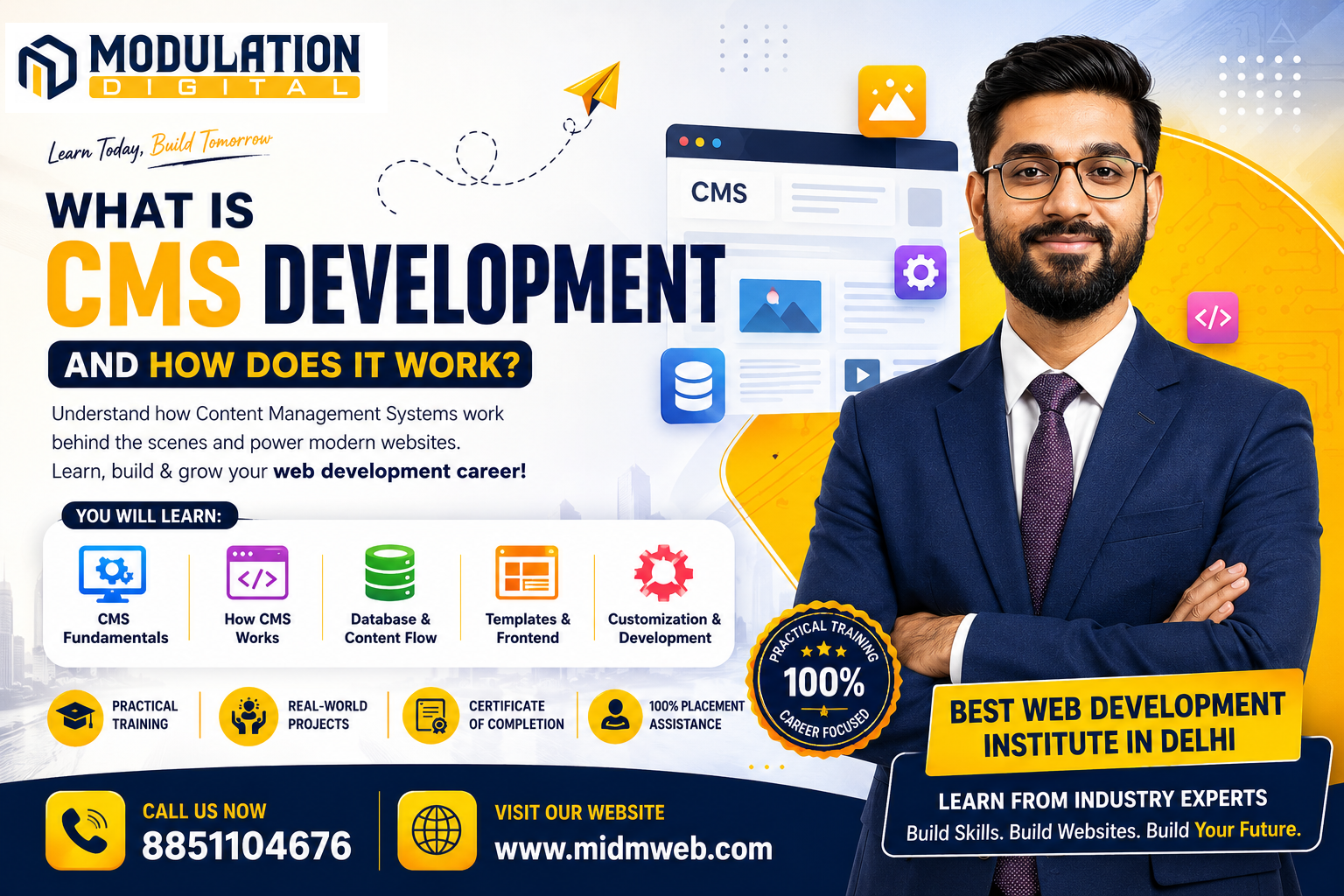
A content management system, or CMS, is software that allows people to create, edit, and manage website content without needing to write code directly. Instead of manually editing HTML files every time something changes, a CMS provides an interface where users can update text, images, and pages through simple forms and editors.
How Does CMS Development Actually Work?
This process means understanding the layers working together behind that simple editing interface:
- The database stores content — text, images, and metadata are saved in a structured database rather than static files
- The backend retrieves that content — server-side code pulls the relevant content whenever a page is requested
- Templates control the layout — predefined designs determine how the retrieved content actually gets displayed
- The admin panel allows editing — a separate interface lets non-technical users update content without touching the underlying code
- The final page renders for visitors — combining the stored content with the template to produce what visitors actually see
Types of Content Management Systems
Not all CMS platforms work the same way, and understanding the differences matters:
| Type | Example | Best For |
| Traditional CMS | WordPress, Joomla | General websites, blogs, small business sites |
| E-commerce CMS | Shopify, Magento | Online stores needing built-in commerce features |
| Enterprise CMS | Drupal, Sitecore | Large organizations needing complex permissions and scale |
| Headless CMS | Contentful, Strapi | Businesses needing content across multiple platforms or apps |
Traditional CMS vs Headless CMS
This distinction has become increasingly relevant in modern web development. A traditional CMS handles both the content and how it's displayed together, tightly coupling the backend and frontend. A headless CMS only manages the content itself, delivering it through an API that can then be displayed on a website, mobile app, or any other platform independently. Headless setups offer more flexibility for businesses needing content across multiple channels, though they require more custom development work upfront.
Building a Custom CMS vs Using an Existing Platform
Businesses generally face this choice early in a project:
- Using an existing CMS like WordPress is faster, cheaper, and well-supported, making it the practical choice for most standard websites
- Building a custom CMS offers complete control and can be tailored precisely to unique business needs, but requires significantly more development time and ongoing maintenance
- Most businesses only need a custom CMS when their requirements genuinely can't be met by existing, well-established platforms
The Technical Skills Behind CMS Development
Building or customizing a CMS typically involves a combination of skills:
- Backend programming — languages like PHP, Python, or Node.js power the underlying logic
- Database management — structuring and querying data efficiently as content grows
- Frontend development — HTML, CSS, and JavaScript control how content is presented
- API development — especially relevant for headless CMS setups delivering content to multiple platforms
Common Misconceptions About CMS Development
A few misunderstandings come up repeatedly among beginners:
- "A CMS means no coding is ever required" — while content editing doesn't need code, customizing themes or functionality often does
- "All CMS platforms work the same way" — traditional, headless, and enterprise CMS platforms differ significantly in structure and use case
- "A CMS is only for blogs" — modern CMS platforms power everything from e-commerce stores to large enterprise portals
Career Opportunities in CMS Development
CMS-related skills open up several practical career paths:
- CMS Developer — building and customizing CMS-based websites for clients or businesses
- WordPress Developer — specializing specifically in the most widely used traditional CMS
- Headless CMS Developer — working with modern, API-driven content architectures
- Full Stack Developer with CMS expertise — combining broader development skills with CMS-specific knowledge
About Modulation Digital
Modulation Digital is a Best Web Development Institute in Delhi focused on practical, hands-on training. Students work with real CMS platforms during their course, understanding both how to use existing systems and the underlying logic that powers them.
Meet Your Trainer – Roshan Jha
Leading CMS and web development training at this Best Web Development Institute in Delhi is Roshan Jha, who brings over 6 years of industry experience building and customizing websites across multiple CMS platforms. His teaching approach focuses on helping students understand the logic behind CMS systems, not just how to click through an admin panel.
Frequently Asked Questions (FAQs)
1. Do I need to know coding to use a CMS? No, basic content editing doesn't require coding, though customizing themes or adding new functionality typically does.
2. Is WordPress the only popular CMS platform? No, other popular options include Shopify for e-commerce, Drupal for enterprise needs, and headless platforms like Contentful.
3. What is a headless CMS, in simple terms? It's a CMS that only manages content, delivering it through an API to be displayed on any website, app, or platform independently.
4. Is building a custom CMS ever a good idea for small businesses? Rarely — existing platforms are usually faster, cheaper, and sufficiently flexible for most small business needs.
5. What programming languages are commonly used in CMS development? PHP, Python, and JavaScript are among the most common languages used across different CMS platforms and custom builds.
6. Can a CMS handle e-commerce functionality? Yes, platforms like Shopify and WooCommerce (built on WordPress) are specifically designed for online stores.
7. Is learning CMS development a good career path? Yes, since CMS platforms power a significant portion of websites, creating consistent demand for developers with these skills.
8. What's the difference between a CMS and a website builder? Website builders are typically simpler, more restrictive tools, while a CMS offers deeper customization and scalability for growing needs.
9. Do all CMS platforms require a database? Most do, since content needs to be stored somewhere structured, though some modern setups use alternative storage methods.
10. Is it difficult to migrate from one CMS to another? It can be moderately complex, depending on the amount of content and how differently the two systems are structured.
11. Can a CMS support multiple languages for international websites? Yes, most major CMS platforms offer multilingual support through built-in features or additional plugins.
12. Are headless CMS platforms harder to learn than traditional ones? They can be, since they require more custom frontend development work compared to traditional CMS platforms with built-in themes.
13. Do large companies use the same CMS platforms as small businesses? Not always — larger companies often use enterprise-grade or headless CMS platforms suited to more complex needs and scale.
14. Is CMS development still relevant with AI-generated websites emerging? Yes, CMS platforms remain the backbone managing that content long-term, even as AI tools assist with initial content or design creation.
15. Once I understand how content management works, how do I actually market that content to reach the right audience? That's where platform-specific marketing strategies become useful. It's covered in detail in our other guide: How to Do Instagram Marketing in 2026
Conclusion
Understanding what is cms development comes down to recognizing how content storage, backend logic, and templates work together to let non-technical users manage websites easily. Whether you choose an existing platform or eventually build custom solutions, this knowledge forms a genuinely valuable foundation in modern web development. If you're ready to learn this properly, Modulation Digital, a trusted Best Web Development Institute in Delhi, offers hands-on training under Roshan Jha's guidance, helping students understand CMS platforms from the ground up. Reach out today to book a free counselling session.