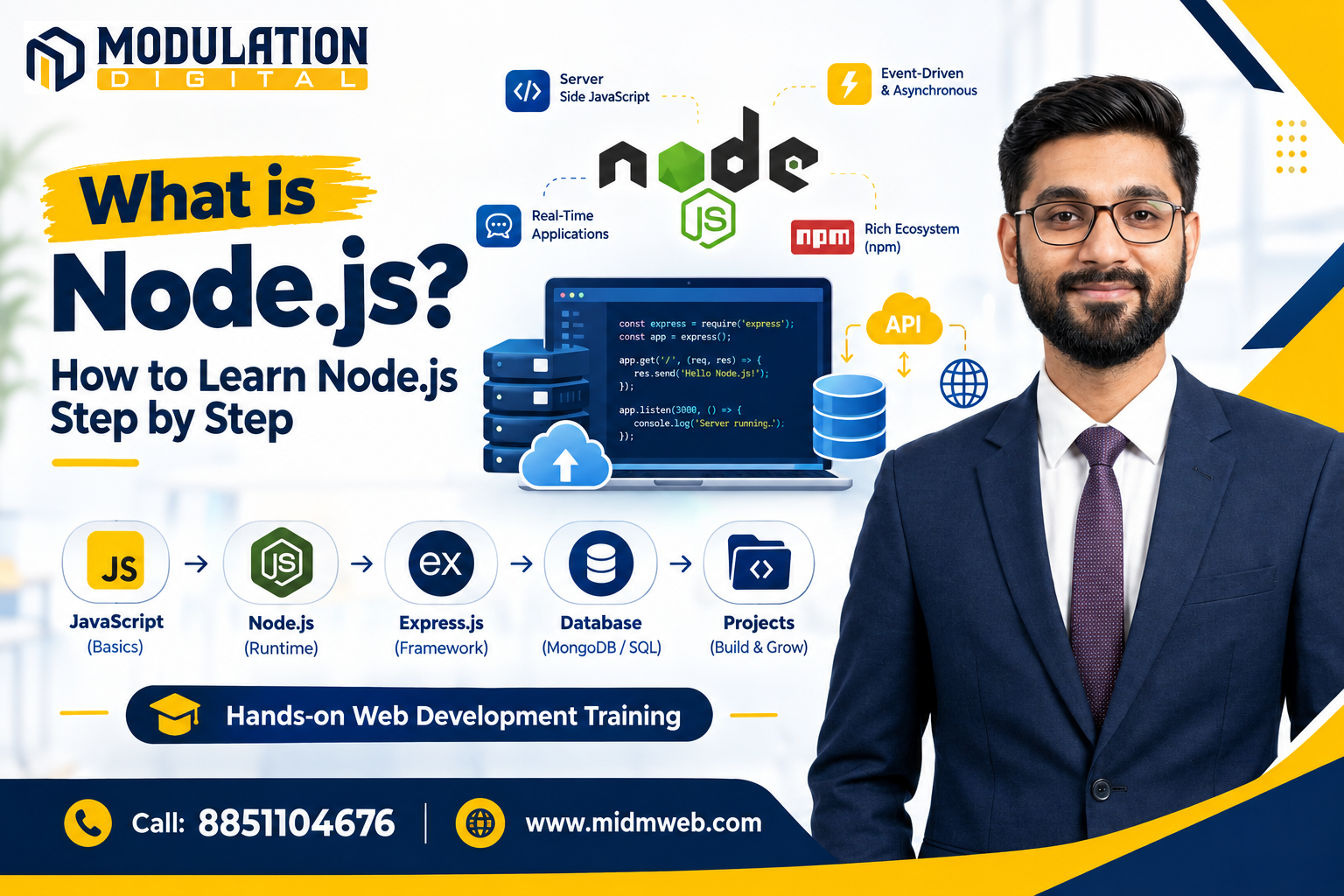
What is Node.js, in Simple Terms?
Node.js is a runtime environment that allows JavaScript to run outside a web browser, most commonly on a server. Before Node.js existed, JavaScript could only run inside browsers to make webpages interactive. Node.js took the same JavaScript engine used in Chrome and made it possible to use that language for backend development, scripting, and much more.
Why Node.js Was Created
Before Node.js, most backend servers struggled to handle many simultaneous connections efficiently, since traditional models often created a new process or thread for each incoming request. Node.js was built around a different approach — using a single-threaded, event-driven model that handles multiple requests without waiting for each one to fully finish before starting the next. This design made it particularly well-suited for applications needing to manage many connections at once.
What Can You Actually Build with Node.js?
Node.js isn't limited to just full stack web applications — its use cases extend much further:
| Use Case | Example |
| Backend APIs | Powering the server-side logic behind mobile or web apps |
| Real-Time Applications | Chat apps, live notifications, collaborative tools |
| Command-Line Tools | Developer utilities and automation scripts |
| Microservices | Small, independent services that work together in larger systems |
| IoT Applications | Lightweight backend logic for connected devices |
Key Features That Make Node.js Useful
A few characteristics explain why Node.js has become so widely adopted:
- Non-blocking I/O — Node.js can start a new task without waiting for the previous one to complete, improving efficiency
- Single language across projects — teams already using JavaScript on the frontend can extend that same skill to the backend
- NPM ecosystem — access to an enormous library of pre-built packages that speed up development significantly
- Lightweight and fast — well-suited for applications that need to handle many simultaneous, smaller operations
Step-by-Step Path to Learn Node.js
Here's a realistic sequence for learning Node.js from the ground up:
- Strengthen your JavaScript fundamentals — Node.js relies heavily on core JavaScript concepts, especially asynchronous code
- Understand the Node.js runtime basics — learn how to run simple scripts and understand the built-in modules
- Learn about npm — practice installing and managing packages for your projects
- Build a simple server — start with Node's built-in HTTP module before moving to frameworks
- Learn Express.js — this framework simplifies building APIs and handling routes significantly
- Connect to a database — practice storing and retrieving data using MongoDB or a SQL database
- Build complete small projects — apply everything together in practical, working applications
Understanding Asynchronous JavaScript in Node.js
Asynchronous programming is central to how Node.js works, and it often confuses beginners initially. Instead of executing code strictly line by line and waiting for each operation to finish, Node.js can start a task — like reading a file or querying a database — and continue running other code while waiting for that task to complete. Concepts like callbacks, promises, and async/await are the tools used to manage this behavior cleanly, and getting comfortable with them is essential for working effectively with Node.js.
Common Mistakes Beginners Make Learning Node.js
| Mistake | Why It's a Problem |
| Skipping asynchronous JavaScript concepts | Leads to confusing, hard-to-debug code later on |
| Installing too many unnecessary packages | Bloats projects and increases potential security risks |
| Not understanding the event loop | Makes performance issues harder to diagnose and fix |
| Jumping into frameworks too early | Skips foundational understanding needed to use those frameworks effectively |
Career Opportunities After Learning Node.js
Node.js skills open up several practical career paths:
- Backend Developer — focused specifically on server-side logic and APIs
- Full Stack Developer — combining Node.js with a frontend framework like React
- API Developer — specializing in building and maintaining application programming interfaces
- DevOps-adjacent roles — using Node.js for automation scripts and tooling
About Modulation Digital
Modulation Digital is a Best Web Development Institute in Delhi focused on practical, project-based learning. Students build real Node.js applications during their course, working through actual servers, APIs, and database connections.
Meet Your Trainer – Roshan Jha
Leading Node.js and backend development training at this Best Web Development Institute in Delhi is Roshan Jha, who brings over 6 years of industry experience building server-side applications using Node.js and related technologies. His teaching approach focuses on helping students genuinely understand asynchronous programming, not just copy working code.
Placement Support by Our Placement Cell
Learning to build applications is only half the journey — actually getting placed in a genuine, reputed company is what matters most. This is handled by Prem, our Placement Cell (9+ years of industry experience), who works directly with hiring partners to connect students with real job opportunities once their training is complete.
Students from Modulation Digital have gone on to join well-known companies, including:
|
|
|
|
|
|
|
|
|
|
These are just a few names from our wider network of 700+ placement partners — genuine hiring companies that have actually recruited students from our courses, not just names listed for show.
Frequently Asked Questions (FAQs)
1. Is Node.js a programming language? No, it's a runtime environment that allows JavaScript, which is the programming language, to run outside a browser.
2. Do I need to know JavaScript before learning Node.js? Yes, solid JavaScript fundamentals are essential, since Node.js is built entirely around JavaScript concepts.
3. What is npm, and why is it so important? NPM is Node.js's package manager, giving developers access to thousands of reusable code libraries instead of building everything from scratch.
4. Is Node.js only used for web development? No, it's also used for command-line tools, automation scripts, and even IoT device backends.
5. What is the event loop in Node.js? It's the mechanism that allows Node.js to handle multiple operations efficiently without waiting for each one to fully complete first.
6. How long does it take to learn Node.js as a beginner? With consistent practice, most beginners with basic JavaScript knowledge can become comfortable within 3 to 4 months.
7. Is Express.js required to use Node.js? Not technically required, but Express significantly simplifies building APIs and is widely used alongside Node.js in practice.
8. Can Node.js handle large-scale applications? Yes, major companies use Node.js at scale, particularly for applications needing to handle many simultaneous connections efficiently.
9. What databases work well with Node.js? Both SQL databases like MySQL and NoSQL databases like MongoDB work well with Node.js, depending on project needs.
10. Is Node.js good for real-time applications like chat apps? Yes, its non-blocking, event-driven design makes it particularly well-suited for real-time, connection-heavy applications.
11. Do I need to learn TypeScript to work with Node.js? Not necessarily as a beginner, though many companies use TypeScript with Node.js for larger, more structured projects.
12. What's the difference between synchronous and asynchronous code in Node.js? Synchronous code executes strictly in order, while asynchronous code allows tasks to run without blocking the execution of other code.
13. Can I build a mobile app backend using Node.js? Yes, Node.js is commonly used to power backend APIs that mobile apps communicate with, regardless of the app's frontend technology.
14. Is Node.js single-threaded, and does that limit performance? Yes, it's primarily single-threaded, but its event-driven design still allows it to handle many concurrent operations efficiently.
15. Once I understand backend fundamentals like Node.js, how do I make sure the data my application handles stays clean and reliable? That's covered in detail in our other guide: How to Clean Data: Step by Step Guide
Conclusion
Understanding what is node js comes down to recognizing it as a runtime that brought JavaScript beyond the browser, enabling everything from APIs to real-time applications through its efficient, non-blocking design. Learning it properly opens up genuinely versatile career opportunities in backend and full stack development. If you're ready to start learning, Modulation Digital, a trusted Best Web Development Institute in Delhi, offers hands-on training under Roshan Jha's guidance, helping students build real, working applications from the ground up. Reach out today to book a free counselling session.